> ## Documentation Index
> Fetch the complete documentation index at: https://help.bilopt.com/llms.txt
> Use this file to discover all available pages before exploring further.
# ログインする
無料トライアルアカウントの発行をご希望の場合は、[フォームよりお問い合わせください](https://app.spirinc.com/t/TfUD5yATSmTMPx7Xat923/as/B6IL-P_fDg-YEaZTMrEVG/confirm)。
## アカウント登録する
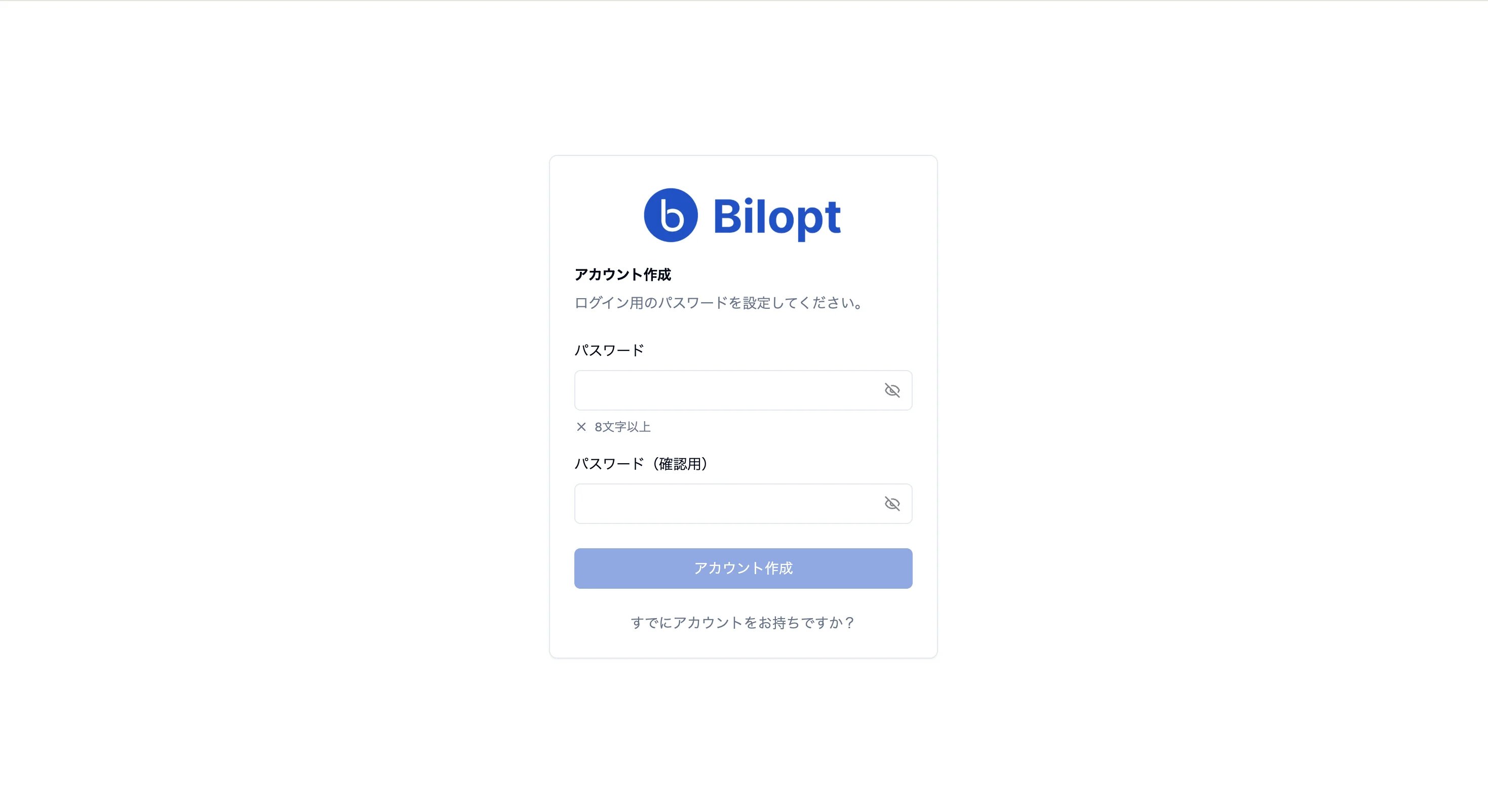
[support@bilopt.com](mailto:support@bilopt.com)から「ビルオプト|アカウント登録のご案内」というメールが届きます。
メール記載のリンクより、ログイン用のパスワードを設定すると、アカウント登録が完了します。
 ## ログインする
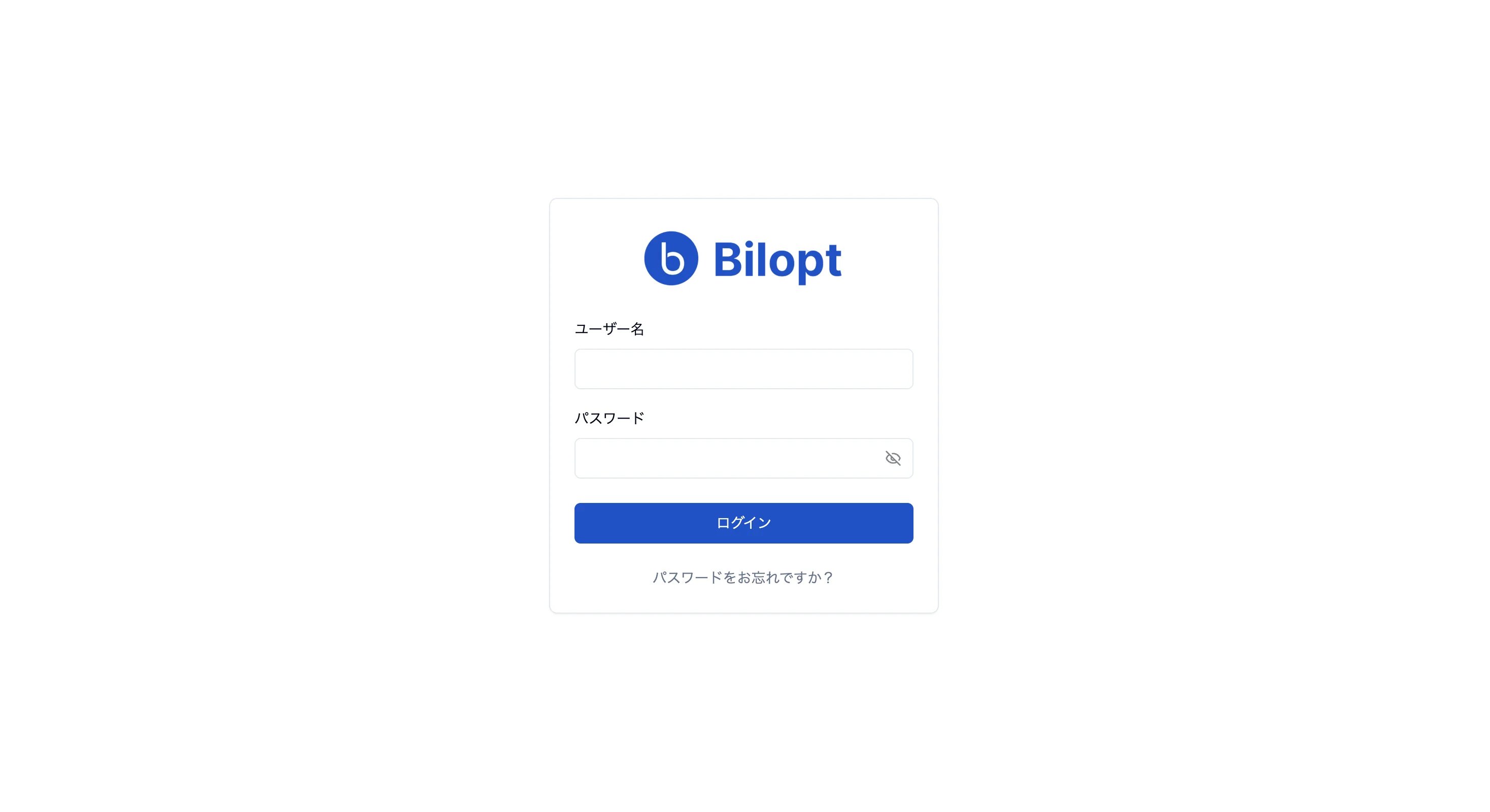
[ログイン画面](https://app.bilopt.com/login)でユーザー名とパスワードを入力すると、ログインできます。
ユーザー名は、アカウント登録メールを受信したメールアドレスです。
## ログインする
[ログイン画面](https://app.bilopt.com/login)でユーザー名とパスワードを入力すると、ログインできます。
ユーザー名は、アカウント登録メールを受信したメールアドレスです。
 ログイン後は、プロジェクト一覧ページが表示されます。
## パスワードをお忘れの場合
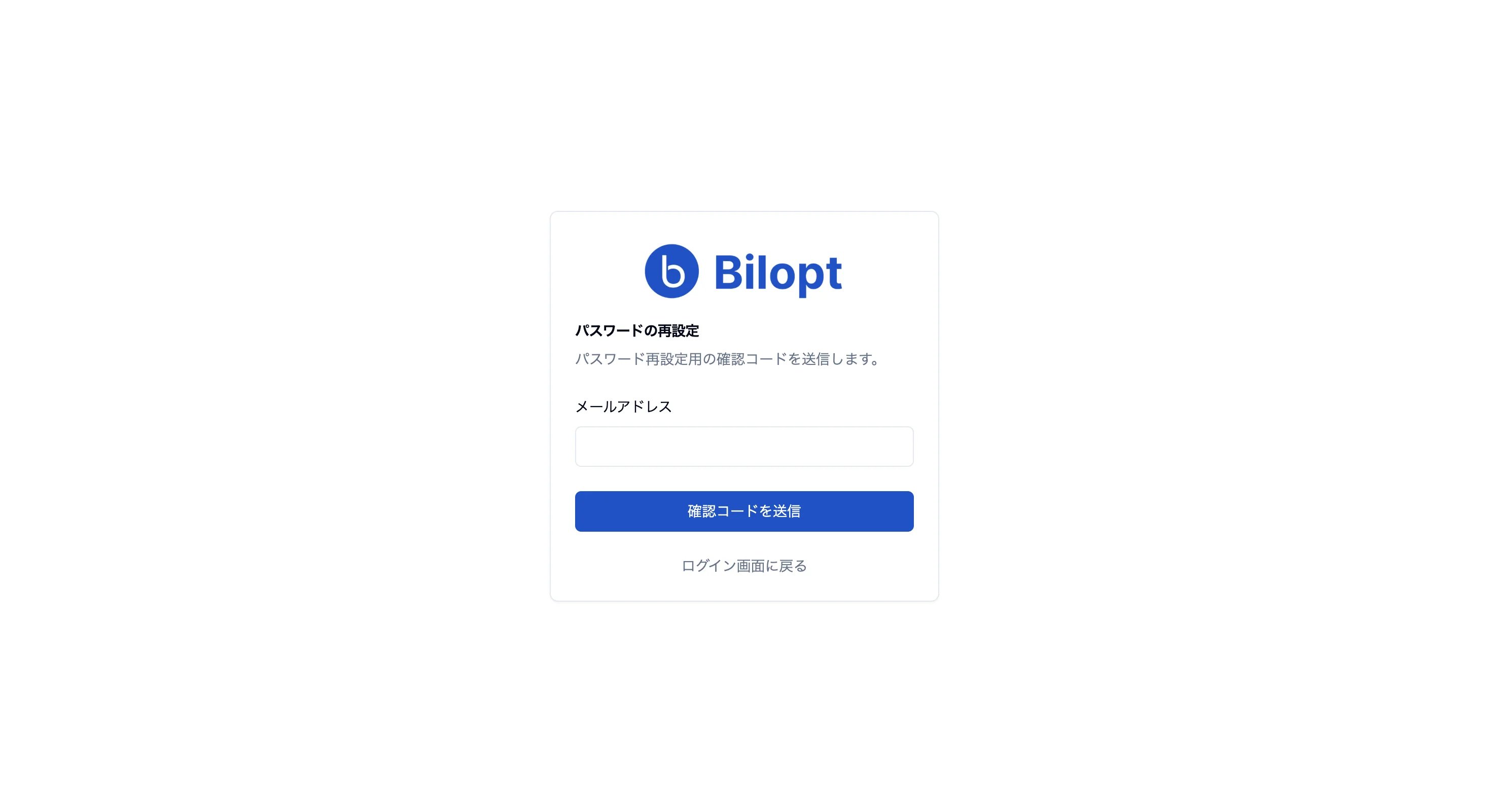
[パスワード再設定画面](https://app.bilopt.com/reset-password)からメールアドレスを入力し、確認コードを送信できます。
メールに届いた確認コードを入力し、新しいパスワードを設定してください。
ログイン後は、プロジェクト一覧ページが表示されます。
## パスワードをお忘れの場合
[パスワード再設定画面](https://app.bilopt.com/reset-password)からメールアドレスを入力し、確認コードを送信できます。
メールに届いた確認コードを入力し、新しいパスワードを設定してください。
 This documentation is built and hosted on [Mintlify](https://mintlify.com), a developer documentation platform.